
The Easy Agile TeamRhythm app includes 4 core functionalities:
-
User story map for each Jira board
-
Retrospective page for each Jira board
-
Planning poker module in the Jira issue view
-
Team insights for each Jira board
User story maps and Retrospectives
Cloud
TeamRhythm will be available on all Scrum and Kanban boards, as well as team-managed projects.
You'll find your story map, retrospective and team report in one place under Story Map & Retros in your project navigation.
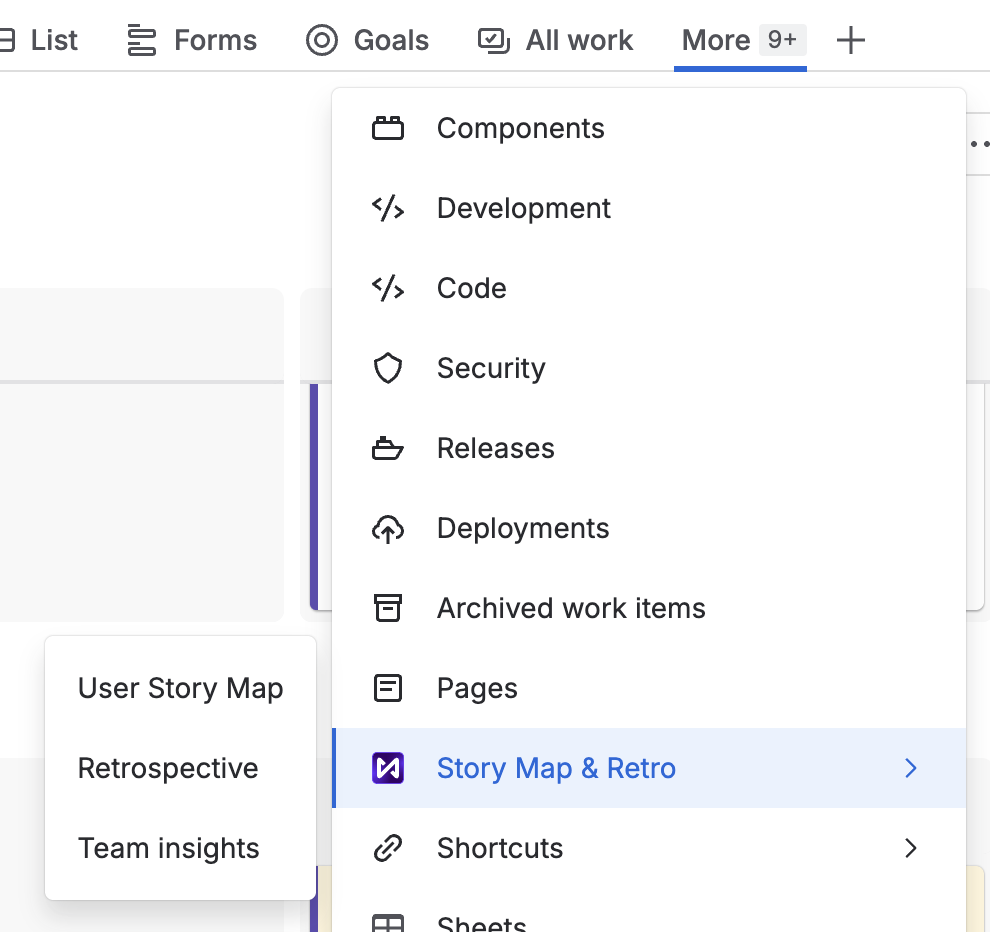
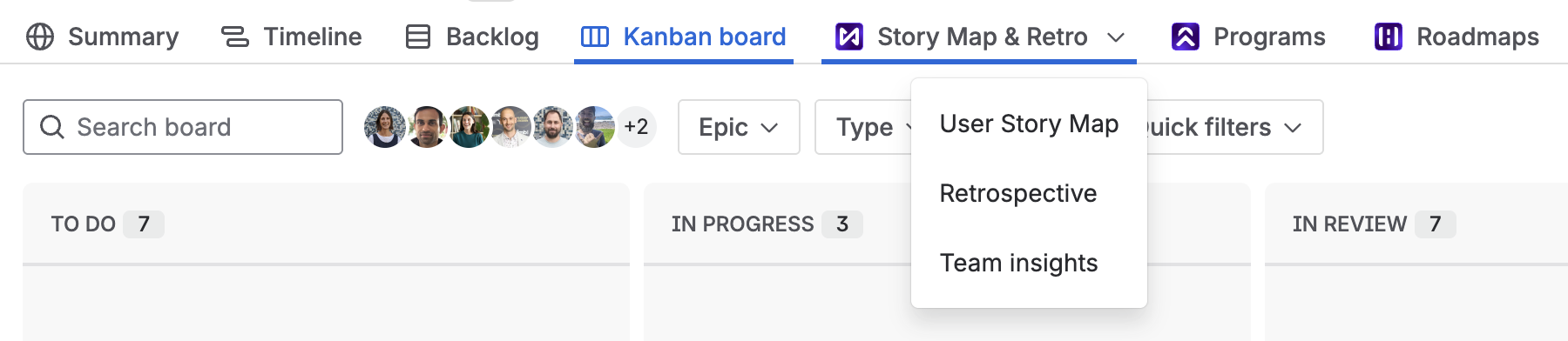
Missing from the horizontal navigation?
If you have a lot of options, it might be in the “More” menu.
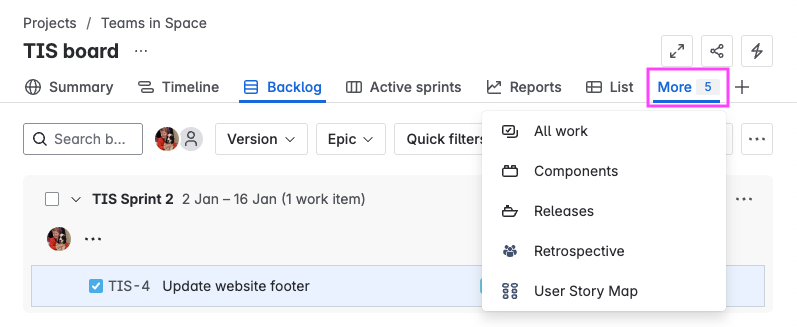
If the link is missing, a Project Admin can add it to your project.
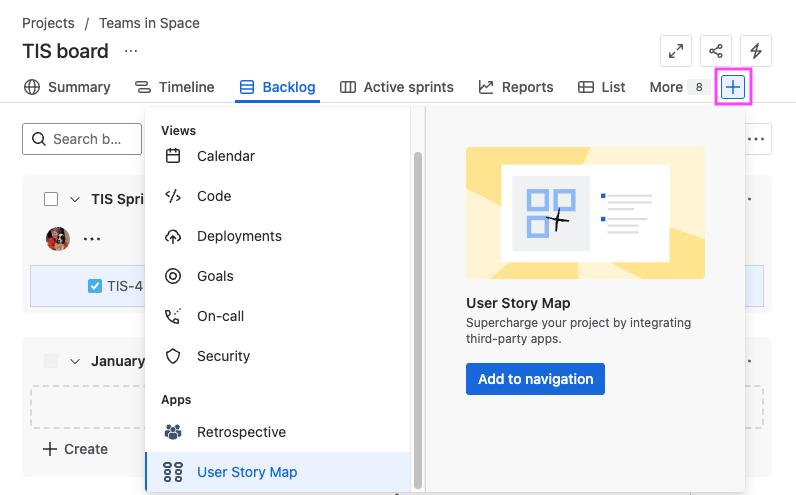
Project Admins can also re-order the tabs if you’d like easier access to the User story map and/or Retrospective.
Data Center
The User story map and Retrospective pages will be available on all Jira Software boards (Scrum and Kanban)
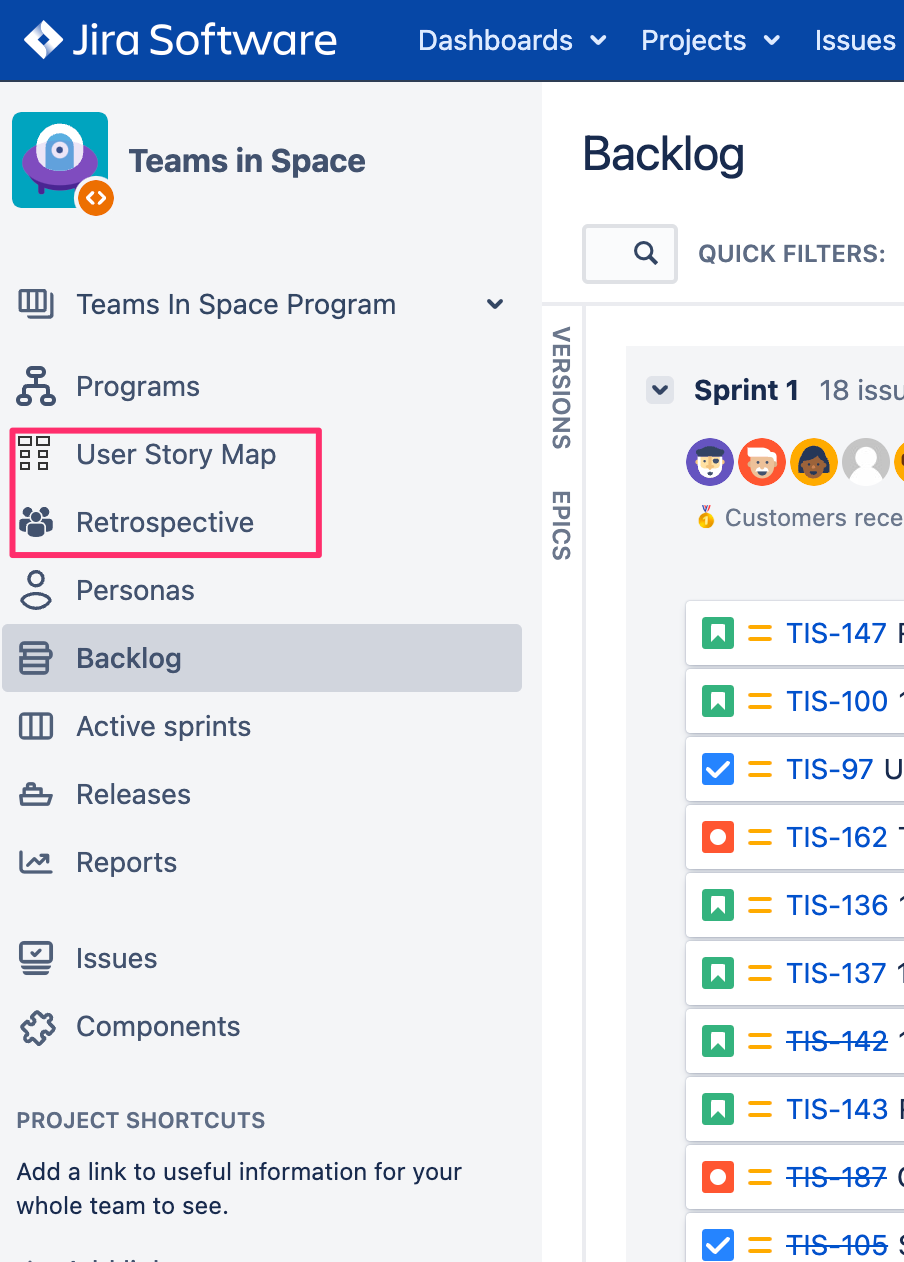
Open your Jira board to find the User story map and Retrospective pages in the project sidebar
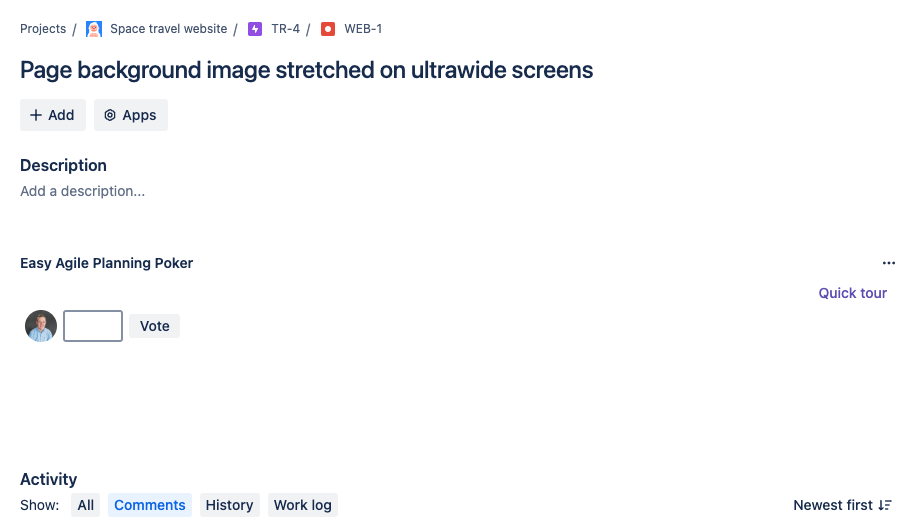
Planning poker
The Planning Poker module will be added to the Issue view in Jira Software projects:
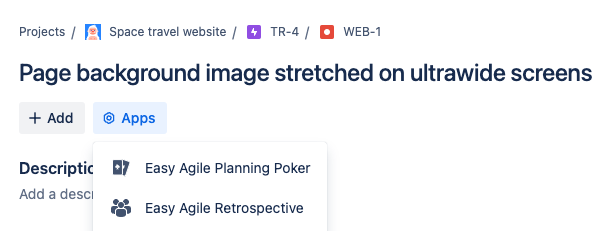
If you can’t see the panel above the “Activity” section of the issue view, check the “Apps” menu:
On Jira Cloud sites with Early Access to Facilitated Planning Poker, you'll also see a Planning poker tab in TeamRhythm, alongside your story map, retrospectives, and team insights. See Facilitated Planning Poker for more information.

Troubleshooting links to TeamRhythm app pages
Project types
If the User story map, Retrospective and Planning poker functionality is missing from your project, check your Jira project type. The app is unavailable in the following project types:
-
Business projects (company managed or team managed)
-
Service projects (from Jira Service Management)
-
Product Discovery projects (from Jira Product Discovery)
If your Jira project does not contain any scrum or kanban boards, the User story map and Retrospective options will be missing.
On Jira Cloud, if a board’s Location is set to a person (instead of a project), apps and other pages will be missing from the “project tabs”.
Change the board’s location to a project to make app and other project pages available.
-
Multi-project boards migrated from Jira Data Center/Server are sometimes automatically assigned to a person instead of a project.

Disabled app access
On Jira Cloud, a Jira Administrator can block app access to specific projects using a Data security policy. This will prevent the app from appearing in those projects.
On Jira Data Center, a Jira Administrator can disable access the Retrospective page or Planning Poker functionality for the whole Jira site.